
How to Check a WEEX Convert Order: History, Rate and Status

 Prefer us on Google

To check a WEEX Convert order, open Convert history from the record icon on the Convert page. Each completed or failed conversion is listed with its time, account, token, rate, the amount you spent, the amount you received and a status. Three of those columns let you verify the result yourself: divide From by To and you should get back to the Rate. This guide shows where the history lives, how to reconcile an order line by line, and what a failed status means for your balance.
Where to Find WEEX Convert History
Convert history sits under your spot orders. On the WEEX Convert page, the small record icon in the top-right corner of the conversion panel opens it directly. The page breadcrumb reads Spot orders, then Convert history, which tells you where it lives if you navigate from the orders menu instead.
As of October 16, 2026, the history view opens with a date filter set to the most recent seven days. If you are looking for an older conversion, widen the date range before concluding that an order is missing. You need to be signed in to see any records.
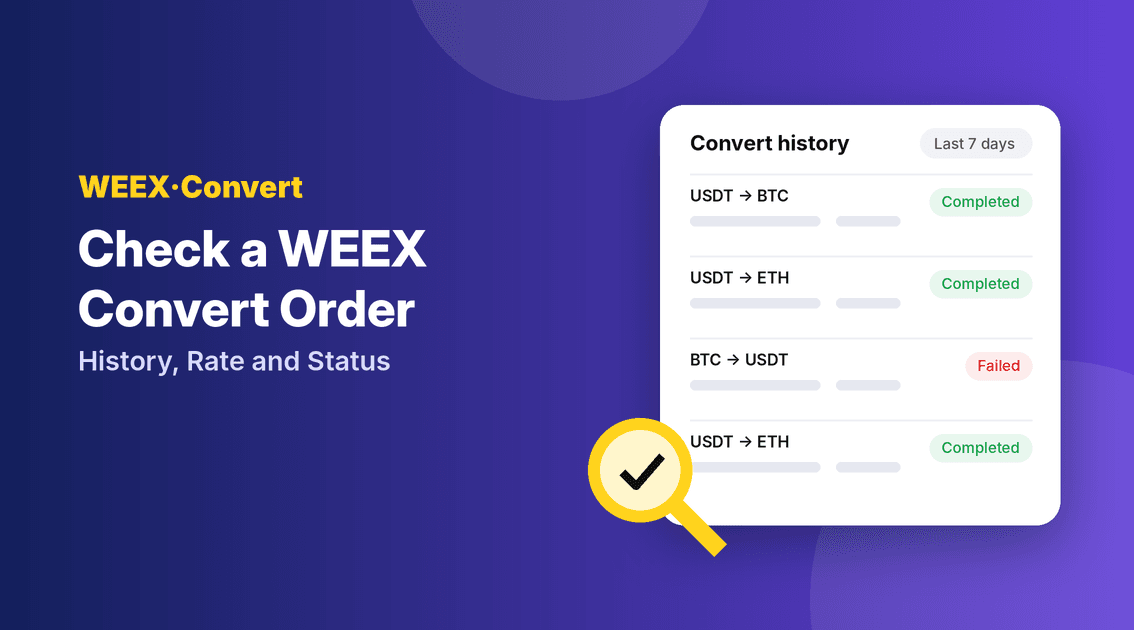
Each row carries seven fields:
- Time: when the conversion was processed.
- Account: which account the assets moved in and out of.
- Token: the pair involved in the conversion.
- Rate: the exchange rate the order executed at.
- From: the asset and amount you spent.
- To: the asset and amount you received.
- Status: whether the conversion completed or failed.
How to Verify the Rate on a Convert Order
The fastest sanity check on any conversion is arithmetic you can do in a calculator.
- Take the From amount and the To amount. Say From shows 1,000 USDT and To shows a given amount of ETH.
- Divide one by the other. 1,000 divided by the ETH received gives the effective ETH price in USDT. The ETH received divided by 1,000 gives the rate per USDT.
- Match it to the Rate column. One of those two figures should line up with the Rate shown, allowing for rounding in the last decimals.
- Compare with the market at that time. If you want to judge whether the rate was fair, compare it with the spot price around the timestamp in the Time column.
Because WEEX Convert charges zero fees, there is no fee line to add back. The From and To amounts tell the whole story, which is what makes this check so clean. If the numbers match, the order executed exactly as the history describes.
How to Match a Convert Order Against Your Balance
The history shows the order. Your balance shows its effect. Checking both closes the loop.
- Find the right account. Use the Account column to see which account the conversion used, then open that account's balance.
- Check both assets. The From asset should have dropped by the From amount, and the To asset should have risen by the To amount.
- Account for other activity. If you also traded, deposited or withdrew around the same time, those movements will mix with the conversion. Compare against the Time column to separate them.
A common source of confusion is looking at the wrong account or a total portfolio value in USD. The portfolio figure moves with market prices all day, so it will not match a conversion exactly. Asset quantities will.
-- Price
What a Failed Convert Order Means
A failed status is less alarming than it looks. According to WEEX, as of October 16, 2026, if a conversion fails, your assets are not deducted. The balance stays where it was before you confirmed.
WEEX lists four reasons a conversion can fail:
- Insufficient balance in the source asset at the moment of confirmation.
- An expired quote. Quotes are usually locked for eight seconds, and confirming after that window fails.
- Market fluctuation large enough that the order could not execute at the locked rate.
- Risk control restrictions on the account, asset or transaction.
The first three usually resolve by requesting a new quote and confirming promptly. If the same conversion keeps failing with enough balance and a fresh quote, risk control is the likelier cause, and WEEX customer support is the right next step.
When to Contact Support About a Convert Order
Most checks end at the history page. Reach out to support when the record and your balance genuinely disagree, for example:
- A conversion shows as completed, but the To asset never appeared in the account named in the Account column.
- A conversion shows as failed, but your From balance went down by the From amount.
- You cannot find an order even after widening the date filter well beyond the time you converted.
When you contact support, include the Time, Token, From, To and Status values from the history row. That gives the team everything needed to locate the order quickly.
Wrapping Up: How to Check a WEEX Convert Order
To check a WEEX Convert order, open Convert history, find the row by time, and confirm that From divided by To matches the Rate. Then check that both asset balances moved by those amounts in the right account. Failed conversions do not deduct assets, so a failed status usually just means trying again with a fresh quote. Ready to make a conversion you can verify in seconds? Start on WEEX Convert.
FAQ
1. Where can I see my past WEEX Convert orders?
Tap the record icon at the top right of the Convert page, or go to Spot orders and open Convert history. Widen the date filter for orders older than seven days.
2. Why does my Convert order show as failed?
Common reasons are insufficient balance, an expired quote, sharp market moves or risk control restrictions. A failed conversion does not deduct your assets.
3. How do I know the Convert rate was correct?
Divide the From amount by the To amount and compare the result with the Rate column. Since Convert charges no fees, the two should match apart from rounding.
4. Why doesn't my portfolio value match the conversion?
Portfolio value is priced in real time and moves with the market. Compare asset quantities instead, which change by exactly the From and To amounts.
This content is provided for general informational purposes only and doesn't constitute financial, investment, legal, or tax advice. Any events, rewards, online promotions, or related information mentioned herein should not be considered a recommendation, solicitation, or invitation to purchase, sell, trade, or otherwise deal in any crypto assets. Crypto assets are highly volatile and may result in loss. The availability of WEEX services, products, and related events may vary by region. You are responsible for ensuring that your participation is in accordance with applicable local laws and regulations.
You may also like
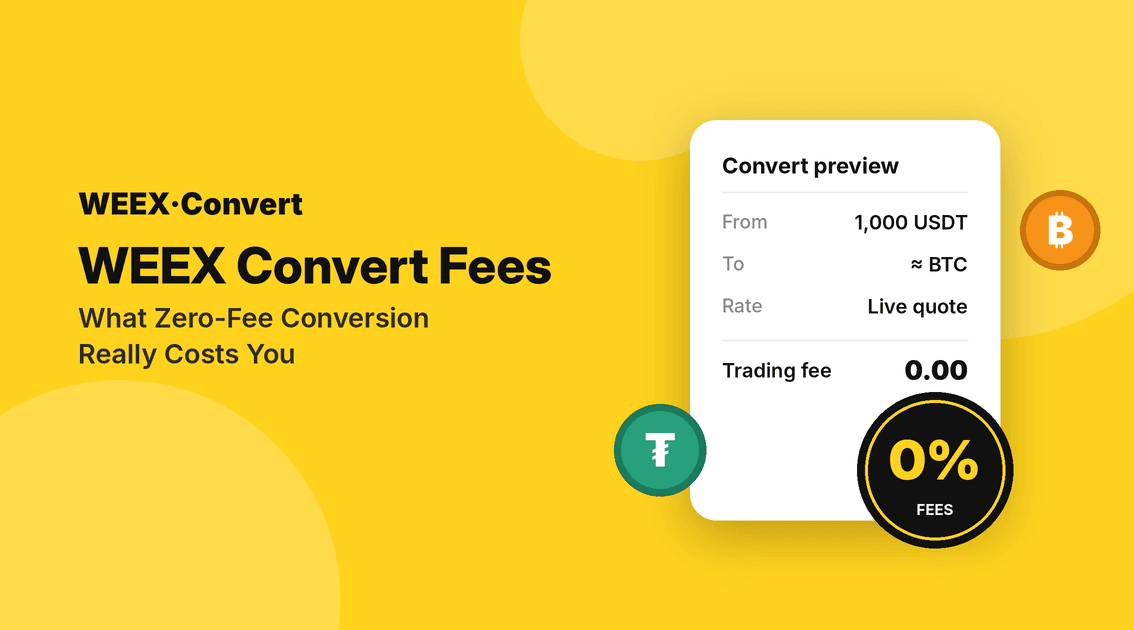
WEEX Convert Fees: What Zero-Fee Conversion Really Costs You
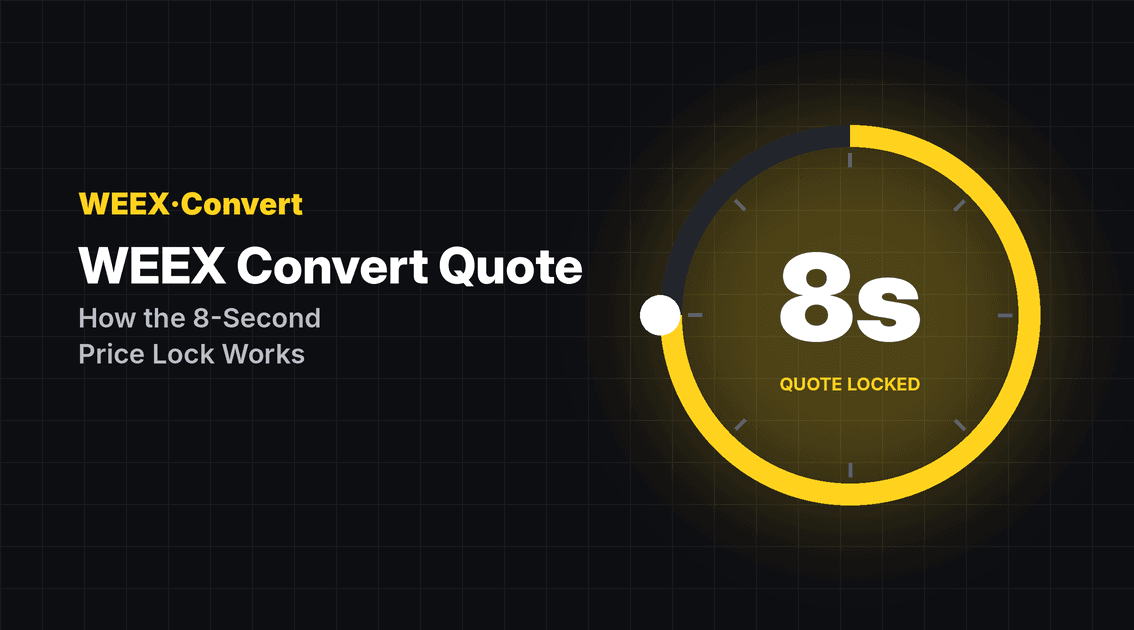
WEEX Convert Quote: How the 8-Second Price Lock Really Works
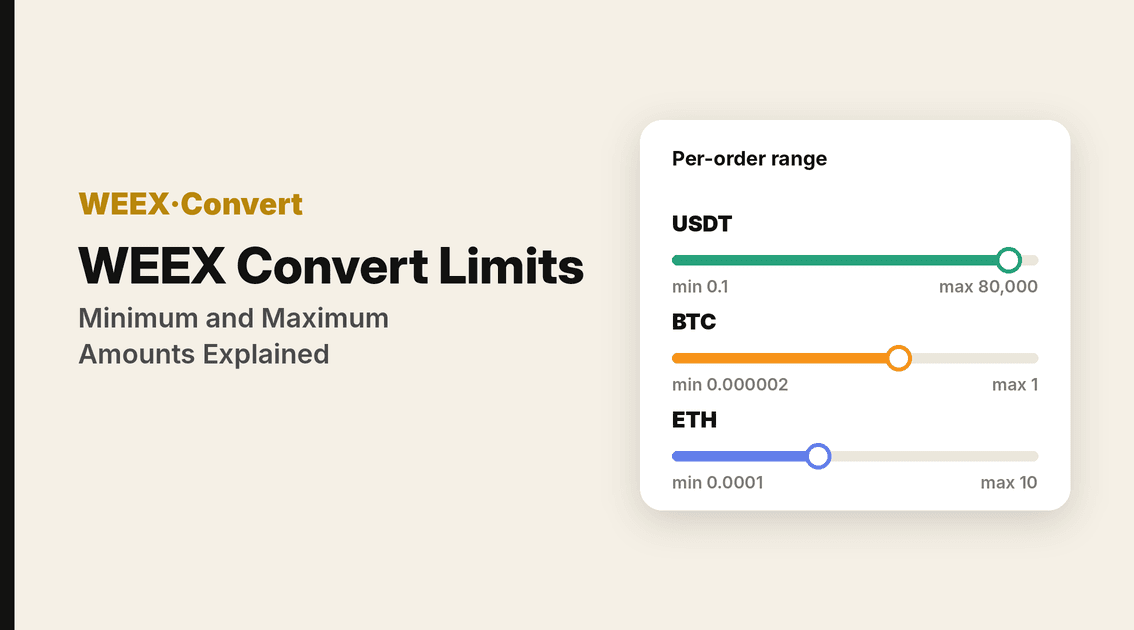
WEEX Convert Limits: Minimum and Maximum Amounts Explained
USDC Significant EMT Status in the EU: What Changes on November 12 Under MiCA
Walrus (WAL) Jumps 30%: Sui Storage Token Rallies on AI Data
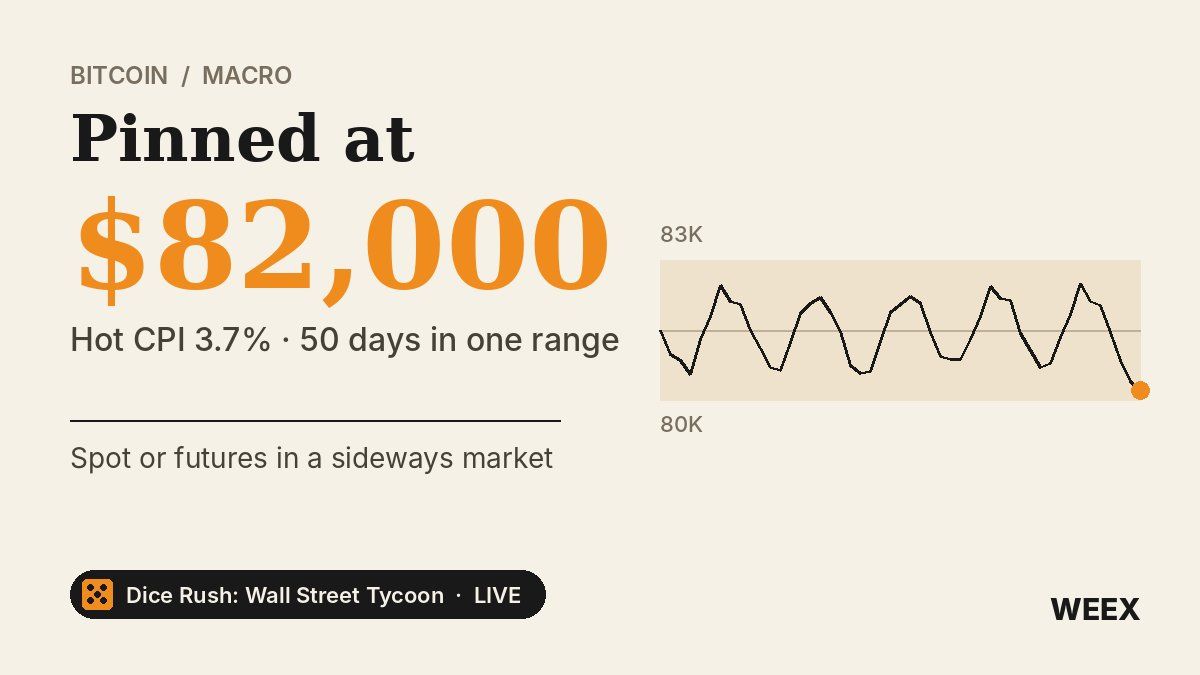
Bitcoin Price After Hot CPI: Why BTC Is Pinned Near $82,000
What Is a Limit Order? How It Works and When to Use It
Best Crypto Miner for Beginners: What to Check on Cost, Power, Hashprice and Profit Before You Buy
Limit Order vs Market Order: Which One to Use When Trading Crypto
What Is a Limit Order? How It Works in Crypto With BTC Examples
Stop Limit Order: How It Works and Why It Can Fail to Fill
Best Crypto Platform for Beginners: Pick by Goal, Not Brand

Best Crypto Podcasts for Beginners: A 4-Week Listening Plan
How to Buy Crypto Anonymously: 5 Methods, Real Costs and Limits
Will Bitcoin Break $87,000 This Week? CPI, Fed Speakers and ETF Outflows to Watch
Conflux (CFX) Price Jumps on China's National Blockchain Network Plan: Does the Policy Actually Name CFX?
BTC Futures Analysis: $80K Held, but Longs Are Still Paying Up
ETH Futures: Why Ether Is Falling Faster Than Bitcoin This Week
ENA Token Price Drops After October 5 Unlock: What Happened to Ethena?
What Is Blockchain and How Does It Work? One Real Payment Traced

How to Buy Crypto With a Prepaid Card: Step-by-Step Guide
Best Crypto Trading Strategies for Beginners: What to Know Before You Trade
LayerZero Unlock October 2026: Can ZRO Hold $2 Amid Whale Inflows?
How to Buy Crypto With Apple Pay in 5 Steps: Why Your Bank May Decline the Payment
Why Does Bitcoin (BTC) Drop? How to Read a BTC Liquidation Heatmap Without Guessing the Bottom
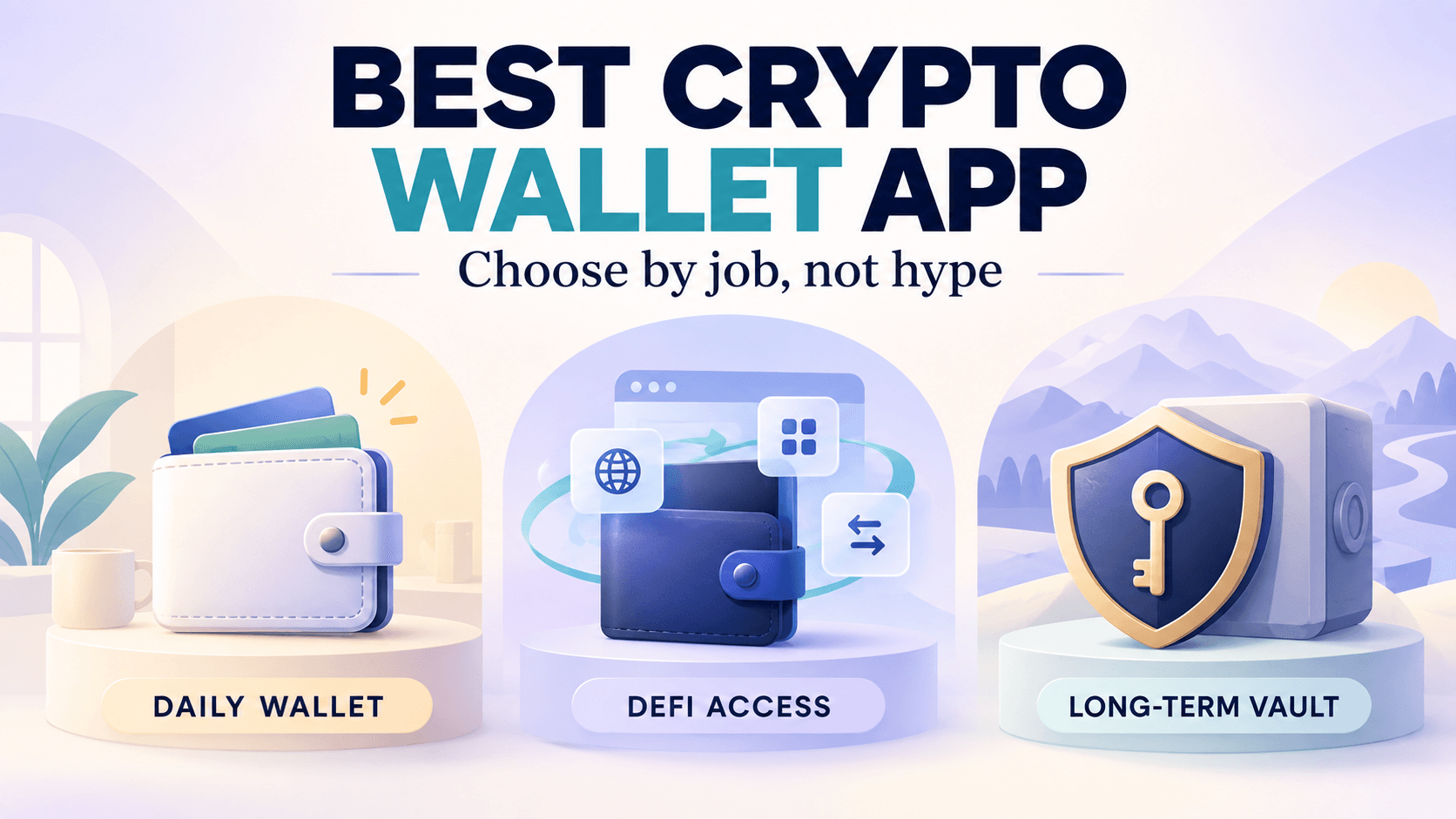
Best Crypto Wallet App in 2026: How to Choose Between Hot, Cold, Custodial, and Web3 Wallets
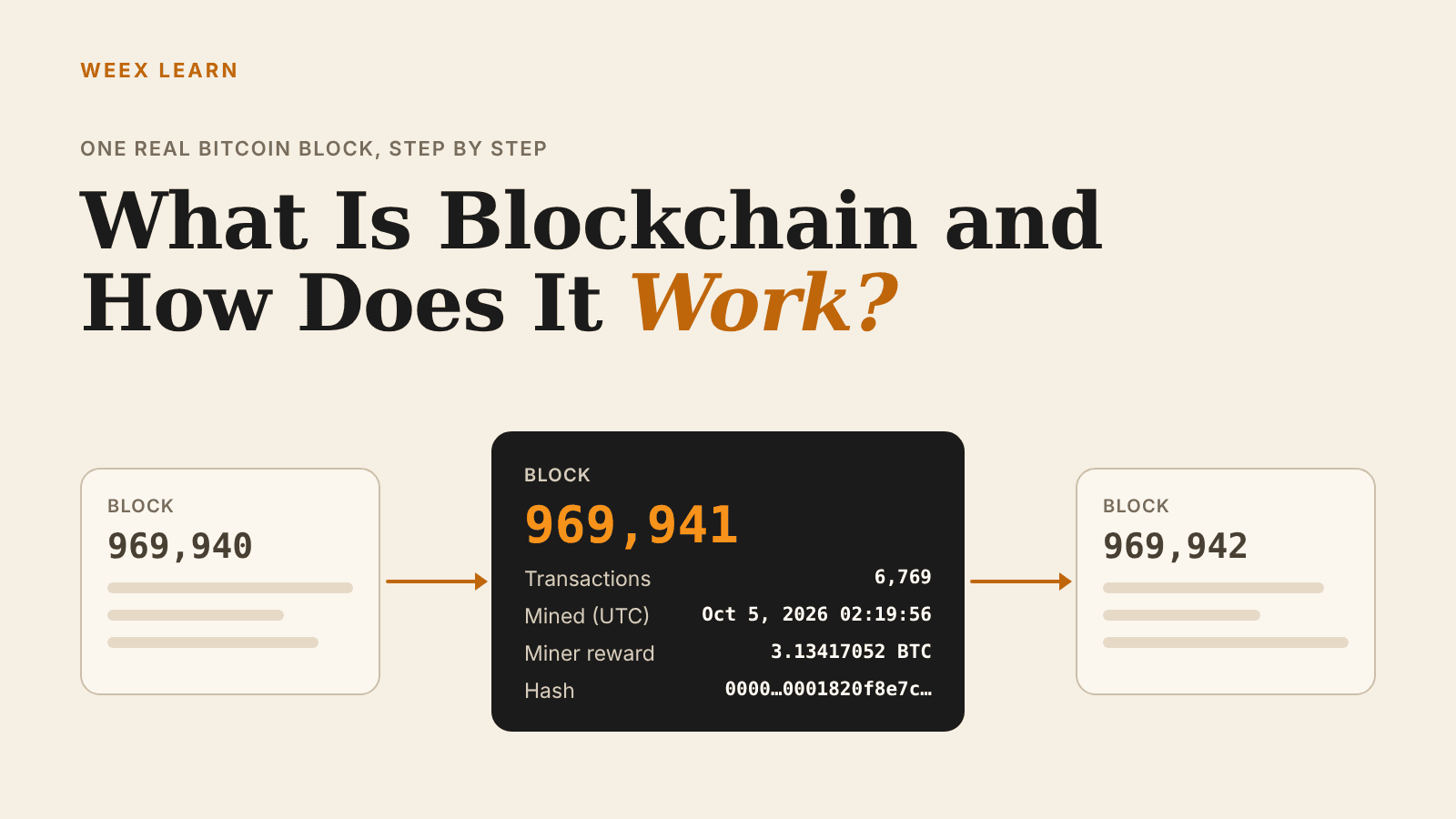
What Is Blockchain and How Does It Work? One Real Block Explained
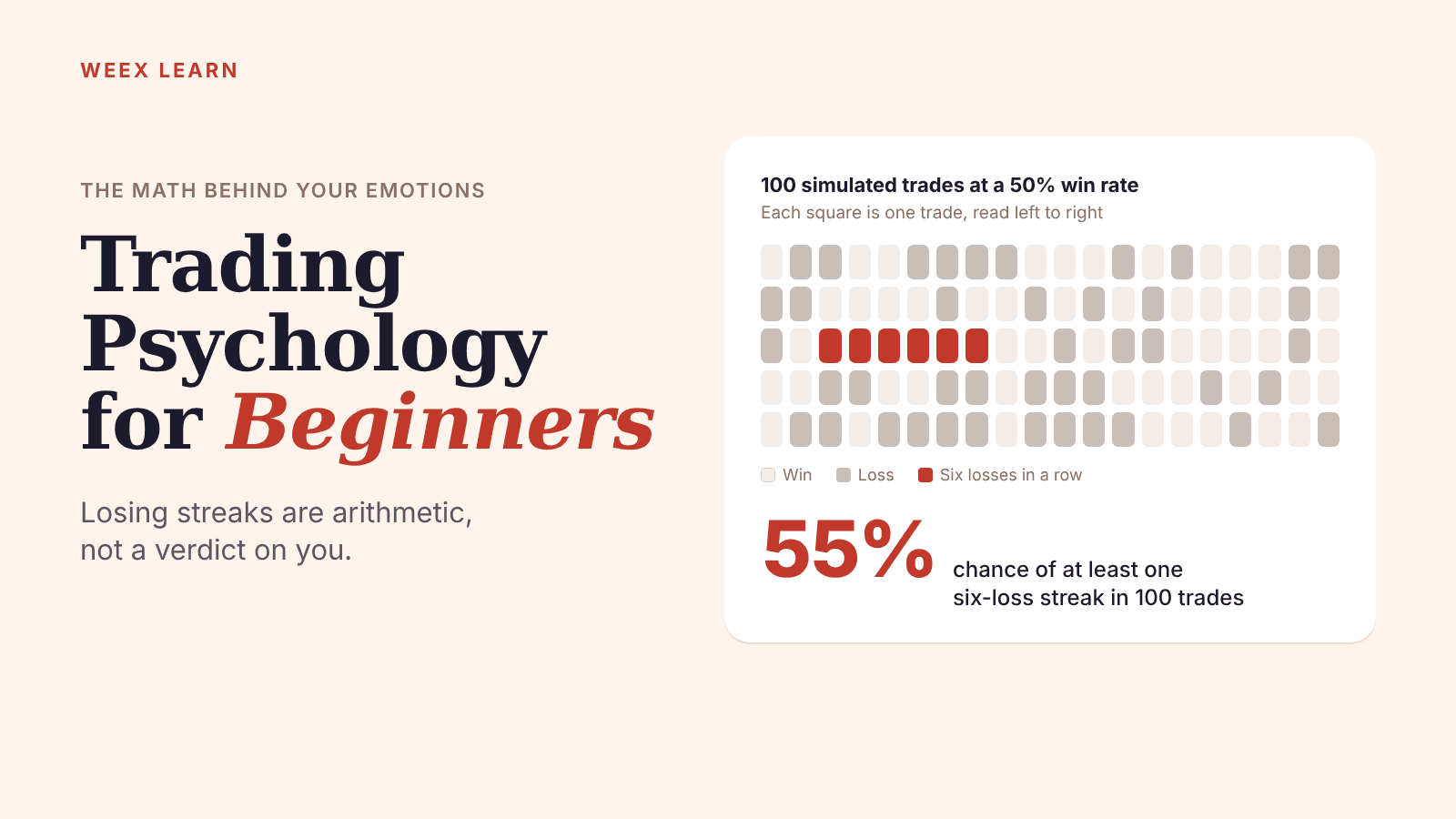
Trading Psychology for Beginners: The Math Behind Your Emotions
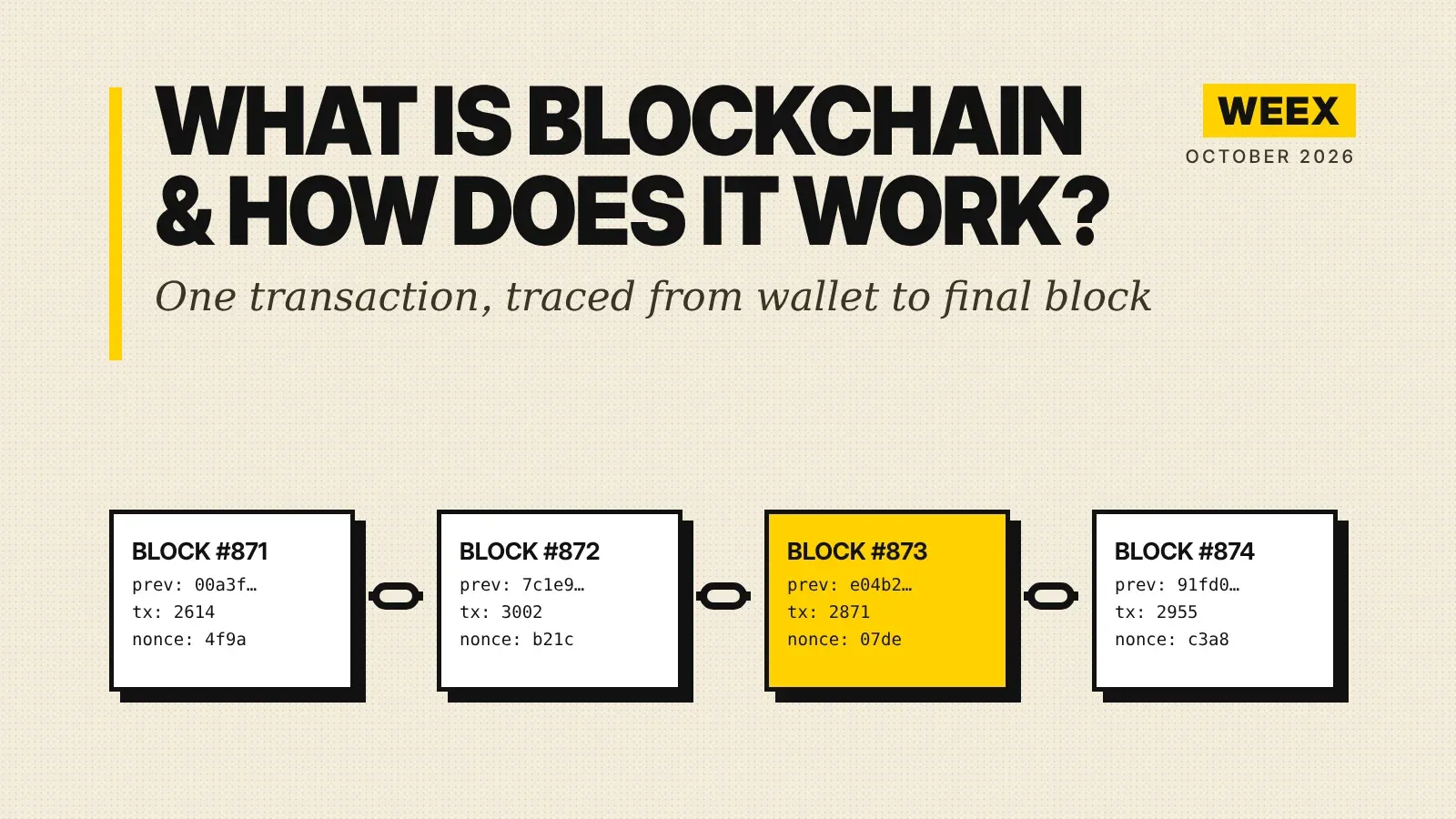
What Is Blockchain and How Does It Work? A Transaction Traced
Anonymous Crypto Wallet: What Still Protects Your Privacy in 2026
WEEX Convert Fees: What Zero-Fee Conversion Really Costs You
WEEX Convert Quote: How the 8-Second Price Lock Really Works
WEEX Convert Limits: Minimum and Maximum Amounts Explained
USDC Significant EMT Status in the EU: What Changes on November 12 Under MiCA
Walrus (WAL) Jumps 30%: Sui Storage Token Rallies on AI Data
Bitcoin Price After Hot CPI: Why BTC Is Pinned Near $82,000


